





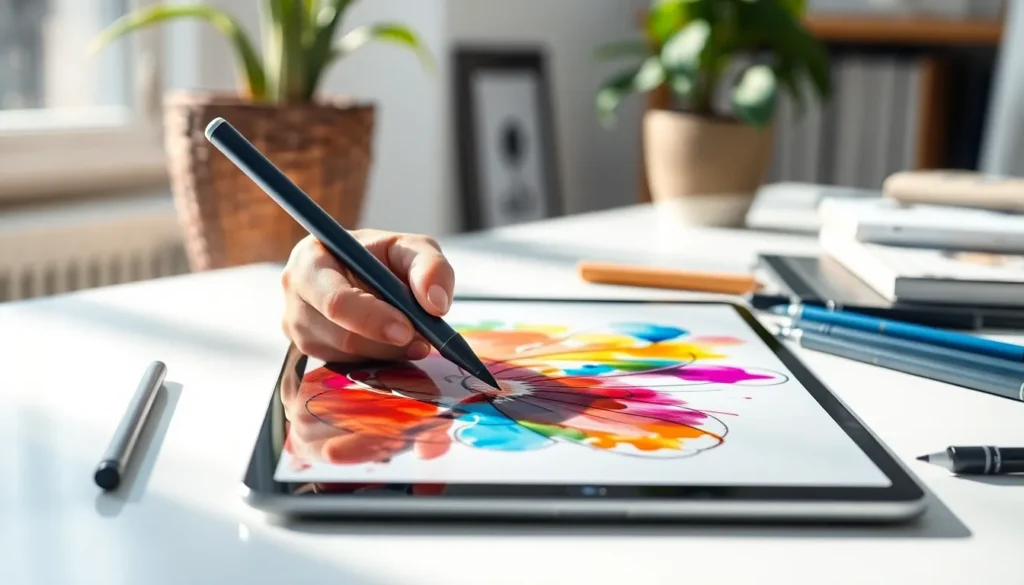
When it comes to unleashing creativity on an iPad, the Apple Pencil is like a magic wand—turning doodles into masterpieces and notes into art. But wait! Before diving into the world of precision drawing and effortless note-taking, one burning question looms: do Apple Pencils work on all iPads? Spoiler alert: it’s not a one-size-fits-all situation.
Do Apple Pencils Work on All iPads?
Apple Pencils do not work on all iPads. Compatibility varies based on the model and generation of the Apple Pencil. The first-generation Apple Pencil functions with several iPad models, including the iPad Pro 12.9-inch (first and second generation), iPad Pro 9.7-inch, iPad Pro 10.5-inch, iPad (6th, 7th, and 8th generations), and iPad mini (5th generation).
In contrast, the second-generation Apple Pencil pairs with newer models, specifically the iPad Pro 12.9-inch (third generation and later), iPad Pro 11-inch (all generations), iPad Air (4th generation), and iPad mini (6th generation).
Users must confirm their device’s compatibility before purchasing an Apple Pencil. Mismatched purchases may lead to disappointment and additional expenses. Checking Apple’s official website offers a useful guide to determine which Pencil works with specific iPad models.
If an individual owns an iPad, they should verify the exact model first. This ensures they select the correct Pencil. Existing users praised the Apple Pencil for its responsiveness and precision, enhancing drawing and note-taking experiences. However, those unaware of the compatibility factors might encounter challenges.
Ensuring the right fit between the Pencil and the iPad model unlocks the full potential of this tool. Therefore, prospective buyers should prioritize compatibility to maximize their creative possibilities.
Compatibility of Apple Pencils
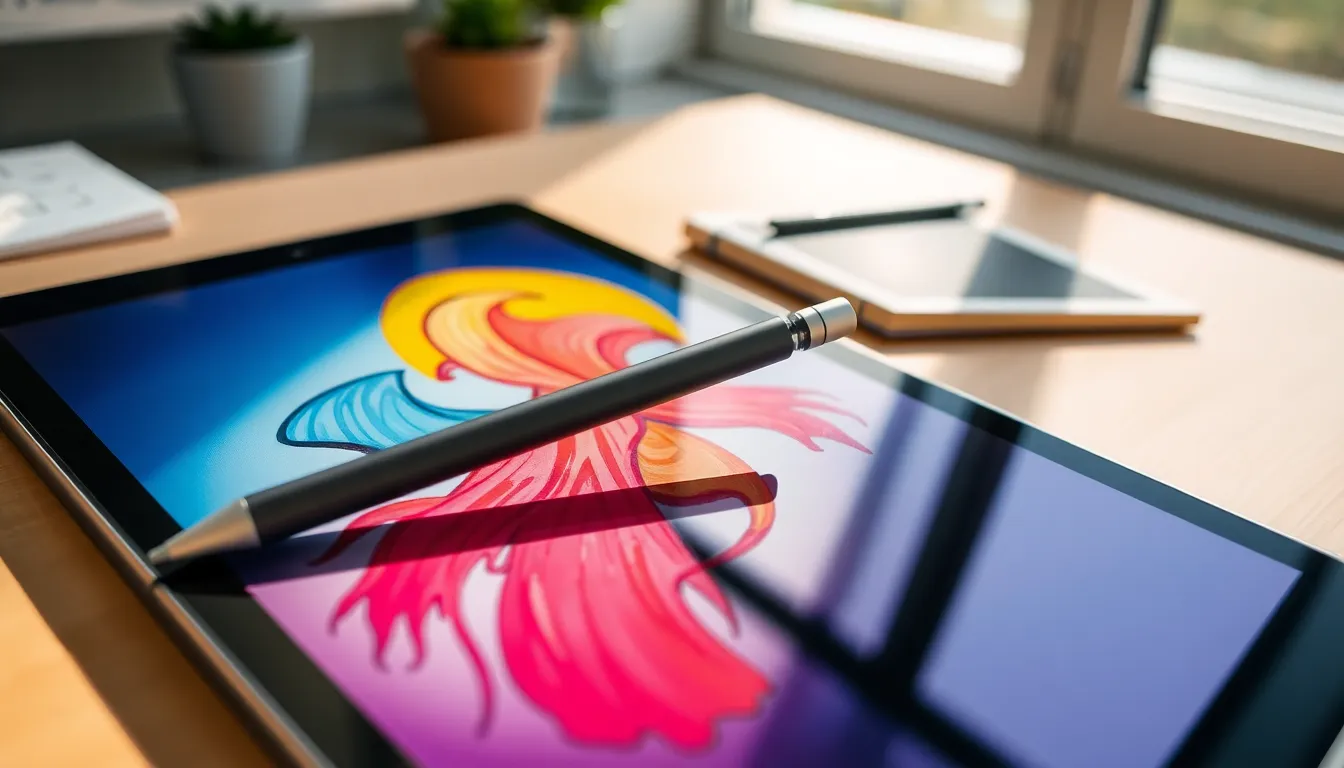
Apple Pencils enhance the iPad experience, but compatibility varies across models. Understanding which Apple Pencil suits an iPad model is crucial for optimal performance.
First Generation Apple Pencil
The first-generation Apple Pencil works with several iPad models. It is compatible with the 12.9-inch iPad Pro from 2015 and the 9.7-inch iPad Pro. Various iPad models, such as the sixth and seventh generation, support this Pencil too. Additionally, it pairs seamlessly with the iPad mini models from 5th generation. Users often find this Pencil effective for tasks like sketching, note-taking, and precise navigation.
Second Generation Apple Pencil
Designed for newer iPads, the second-generation Apple Pencil only works with select models. It’s compatible with the 11-inch and 12.9-inch iPad Pro models launched in 2018 and later. This Pencil also suits the iPad Air from the fourth generation. Users appreciate features such as double-tap functionality for switching tools, making it ideal for enhanced productivity. Overall, Apple ensures that newer iPads have tailored technologies for optimal use with the second-generation Pencil.
Features of Apple Pencils
Apple Pencils enhance the creative capabilities of the iPad. They deliver precise, responsive interaction crucial for artists and note-takers.
Precision and Responsiveness
Precision defines the Apple Pencil experience. It offers 1,024 levels of pressure sensitivity, ensuring lines vary in thickness based on pressure applied. Responsiveness is immediate, thanks to low latency that minimizes lag. This combination allows for realistic drawing and writing. Users experience a natural feel, mimicking traditional writing instruments. Such performance is vital for tasks requiring detailed work, making Apple Pencils ideal for both professional and casual users.
Compatibility with Apps
Compatibility with apps expands the utility of Apple Pencils. Many creative apps, including Procreate and Notability, fully utilize the capabilities of the Pencils. Users enjoy features like pressure sensitivity and tilt functions that enhance artistic expression. Additionally, Apple’s suite of productivity apps integrates seamlessly with the Pencils, allowing for fluid note-taking and annotation. This versatility ensures that users effectively engage with a wide range of applications, maximizing their productivity and creativity.
Alternatives to Apple Pencils
Several alternatives to Apple Pencils exist for users seeking stylus options. Many third-party styluses offer features that mimic the functionality of Apple Pencils. Some popular brands include Adonit, Wacom, and MOSOTECH.
Adonit Jot Pro stands out for its precision and fine-point tip, suitable for detailed drawing and note-taking. Wacom Bamboo Sketch excels in pressure sensitivity, ideal for artists using iPad-compatible apps. Users looking for versatility could consider the MOSOTECH stylus, featuring a dual tip for both touchscreen and traditional writing surfaces.
Compatibility varies across models, so verifying device support is essential. Most third-party styluses work with multiple iPad generations, providing flexibility for users not tied to Apple’s ecosystem. Some styluses may lack the advanced features of Apple Pencils, such as pressure sensitivity or palm rejection.
Certain models also offer Bluetooth functionality, allowing for enhanced features like programmable buttons. Programs such as Procreate, GoodNotes, and Notability support a wide range of third-party styluses, ensuring creative freedom.
User reviews consistently highlight differences in responsiveness, with many favoring Apple Pencils for precision. Artists who prioritize a seamless experience with their preferred drawing apps often recommend sticking with Apple’s devices. Therefore, exploring alternative styluses can provide viable options, though performance may differ based on individual preferences and needs.